OMNI

OMNI

Live virtual concerts · a creation of Trixyz

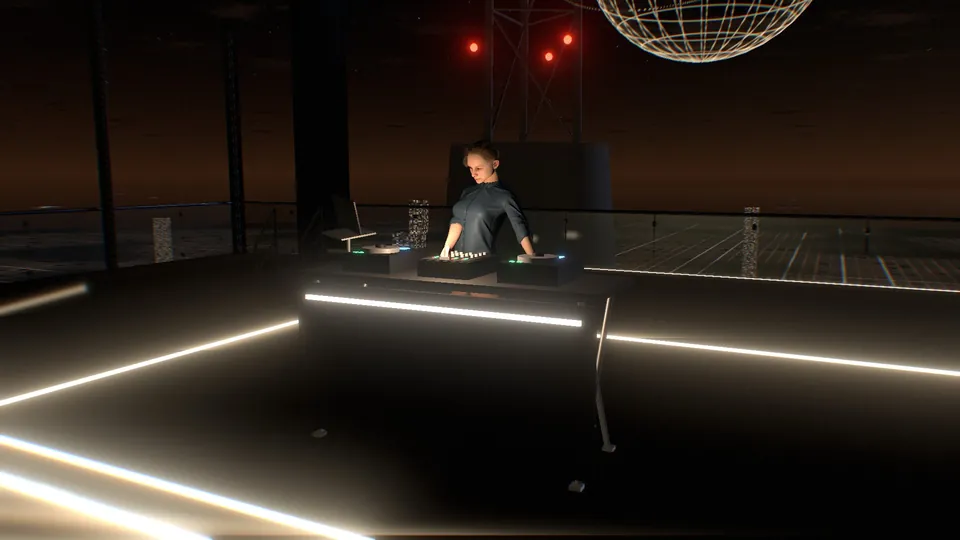
Artists perform in a real room. OMNI captures them in three dimensions, puts them on a stage in one of twenty-four worlds and streams the show to browsers, phones, and VR and AR headsets.

  • Up to 4 artists on stage
  • 24 worlds
  • 64 guests per show
  • Browser, phone, VR and AR

How an OMNI show comes together

Capture

The artists perform in an ordinary room. Depth sensors and cameras watch them from several angles at once and record their shape, colour, movement and sound.

Stage

OMNI rebuilds them as point clouds on a raised stage inside a virtual world, with a light show on the beat, a surround PA and a crowd that dances to the music.

Stream

Guests open a link in a browser, on a phone or in a headset. Each device receives the live capture and draws the whole venue itself, from where that guest is standing.

Every guest receives the artist feeds, the sound and a small packet of show data ten times a second: the world, the lights, the beat and the time of day. The venue is rendered on their own device, from their own position, so no two guests see the same picture.

The artist is on stage in three dimensions

OMNI captures performers as point clouds: hundreds of thousands of coloured points, measured in depth, many times a second. Guests can walk around them, look at them from the side or from above, and see them at true scale next to the stage and the crowd.

Drag to turn

Rendered live in your browser from a sample figure. In a show, every point comes from the real performer.

Several angles, one body
Depth sensors on both sides of the performer record at the same time. OMNI lines their views up to within a few centimetres, from a coloured marker held where both can see it, or from ten seconds of the performer moving.
Video from every side
Cameras film the artist, a close-up of their hands on the gear and a feed for the screens behind the stage. Each one can be masked, warped to fit and cleaned up live, including background removal and relighting.
Only the performer
Near and far limits, a crop box and edge cleaning remove the room, the floor and the stray points around a silhouette. Nothing outside the capture area reaches the stage.
Points, surface or character
The capture can be shown as points, as a solid surface, or used to drive a character that moves exactly like the performer. A hologram finish with scan lines and glitches is one switch away.
Up to four artists
Duos, bands and back-to-back sets: up to four performers share the stage, each with their own capture, placement and look.
Rebuilt by every guest
The capture travels as live depth video and each guest's device turns it back into points. Close to the stage, a guest sees real volume and parallax, as they would at a gig.

In a headset, in VR or in AR

OMNI opens in the browser built into standalone headsets, with nothing to install. A guest types a six-character code, then chooses whether to step into the venue or bring the stage into their room.

VR Inside the venue

  • You stand in the crowd at full scale and look up at the stage, where the artists are life-size point clouds a few metres away.
  • The left stick walks where you look and runs when you click it. The right stick turns in steps of 30° or 45°.
  • Your hands move your character's arms, so the people around you see you wave and point.
  • With hand tracking, a menu sits on your left wrist and a pinch selects. It holds a comfort vignette, seated mode and the turn step.
AR The stage in your room

  • The venue and the other guests fade away and your own room stays visible through the headset.
  • Point at the floor and pull the trigger, or pinch, to set the stage down. The artists perform life-size on your floor.
  • Walk around them to see them from any side. Because they are point clouds, they have depth from every angle.
  • Move the stage from the menu, and choose whether the camera screens appear next to it.

Headset codes leave out letters that are easy to confuse, expire after fifteen minutes and turn into a permanent pass once used, so a headset that drops out reconnects by itself. Leaving VR or AR puts the guest back on the screen in the same spot.

Twenty-four worlds share one stage

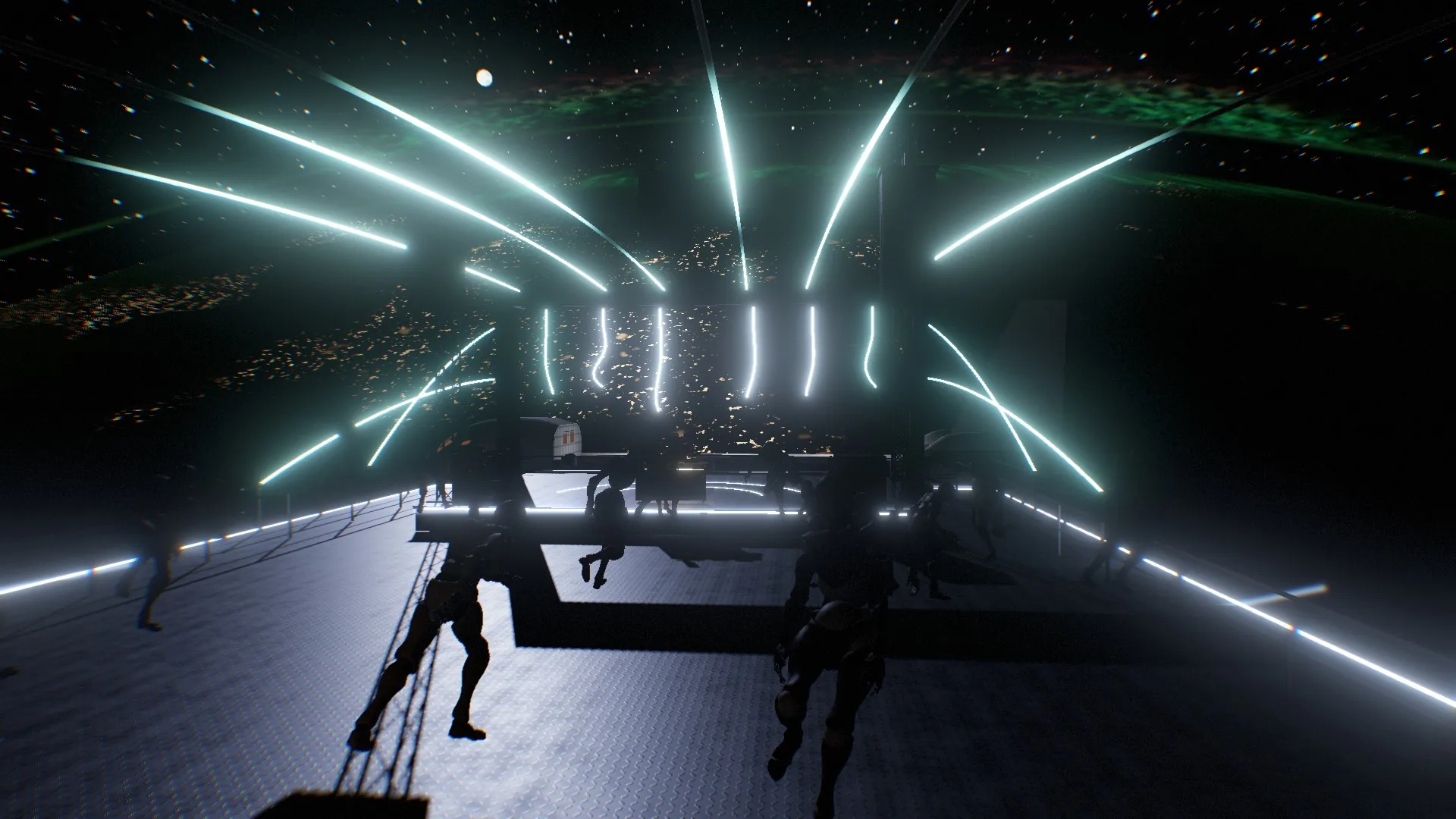
Every world is generated as it loads, from a rooftop after the rain to an open deck in orbit. Changing world in the middle of a set moves nobody: the new one grows outward from each guest behind a seam of light.

    Most worlds have their own sunrise. Open one to see it at night, at dawn, by day and from the back of the hall.

    The same venue in every world

    However different the world, the floor plan underneath stays the same, so artists, operators and guests always know where things are.

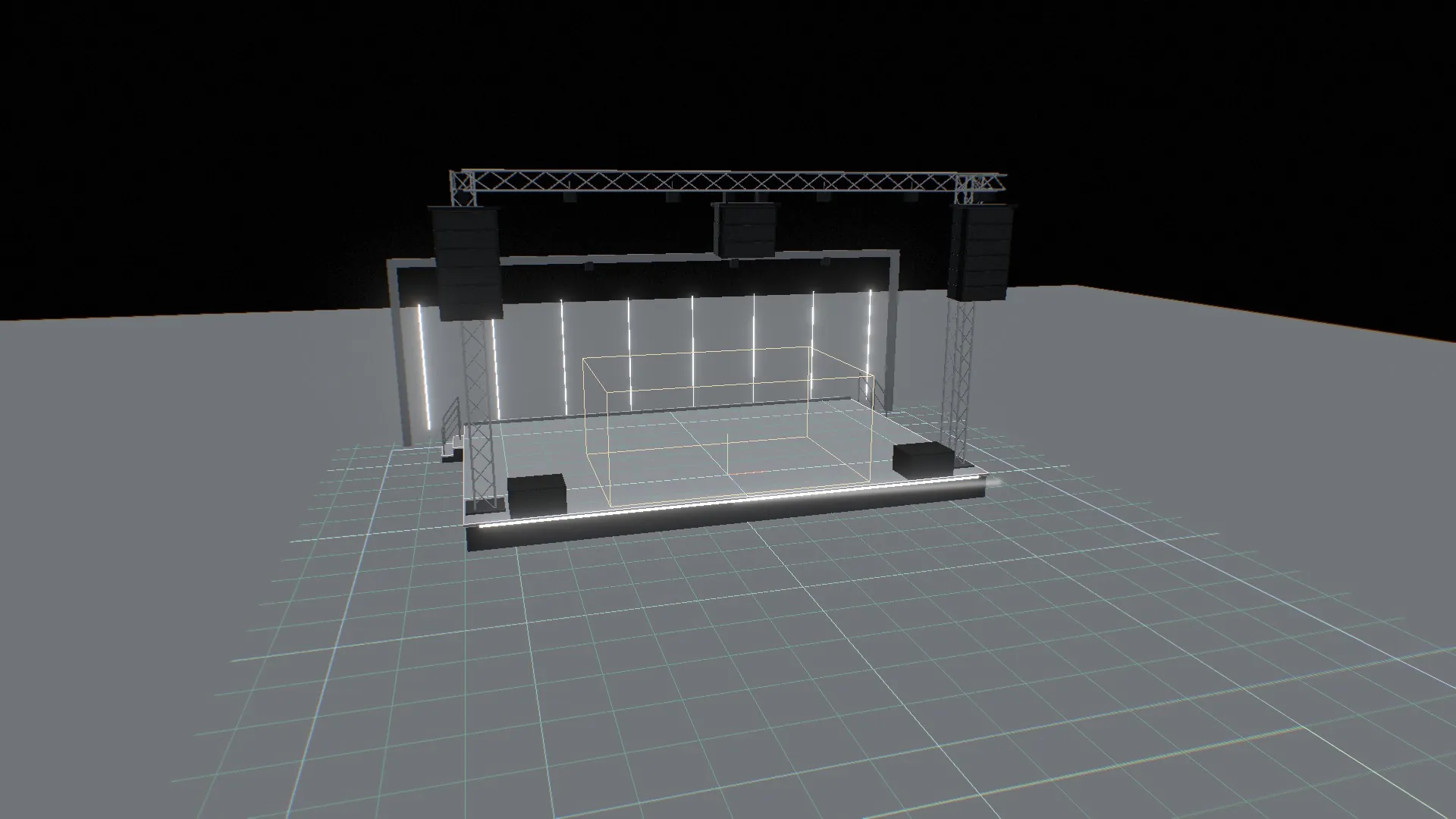
    The venue drawn in metres: the raised stage, the hall and the area where guests arrive.
    The calibration view: the venue drawn in metres, used to line up the capture.
    Stage
    A deck 60 cm above the crowd, with stairs at both back corners. The artists perform at its centre.
    Hall
    Room for fifty to a hundred people, with aisles beside the stage and an edge of rails, parapets and lines of light.
    Capture area
    The space around the performers is kept clear, so no guest can walk through them.
    Sound
    Line arrays and subs beside the stage, a centre hang above it and a pair at the far end aimed back. The sound comes from the stage you are looking at.

    Three rooms off the hall

    Each world fits its rooms into its own story: a chantry chapel in the church, a crypt in the vampire cave, marquees in the forest arena. Walk through a door and the show sounds quieter and duller, as if heard through a wall.

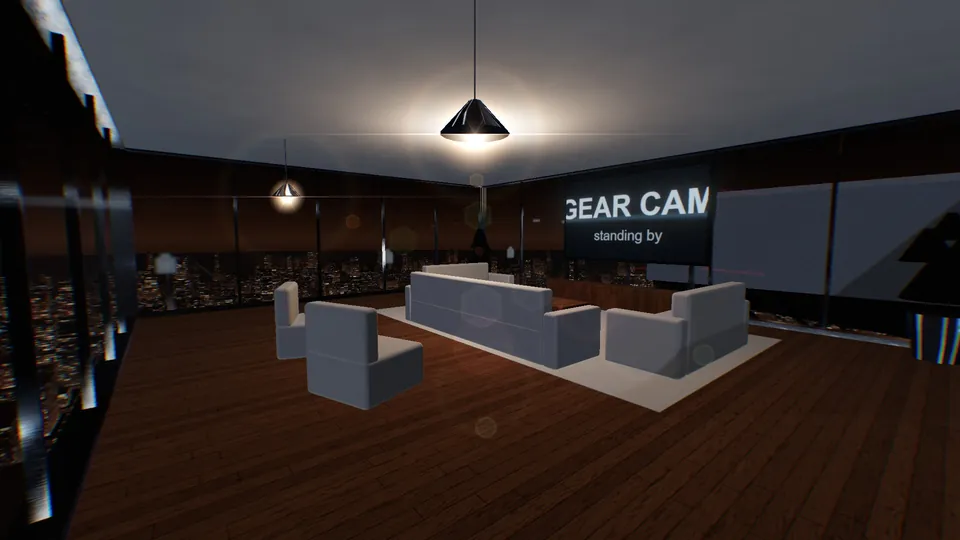
    The lounge: sofas around a coffee table facing a large screen.
    Lounge. Sofas around a coffee table, facing a screen with the close-up of the artist's hands on the gear.
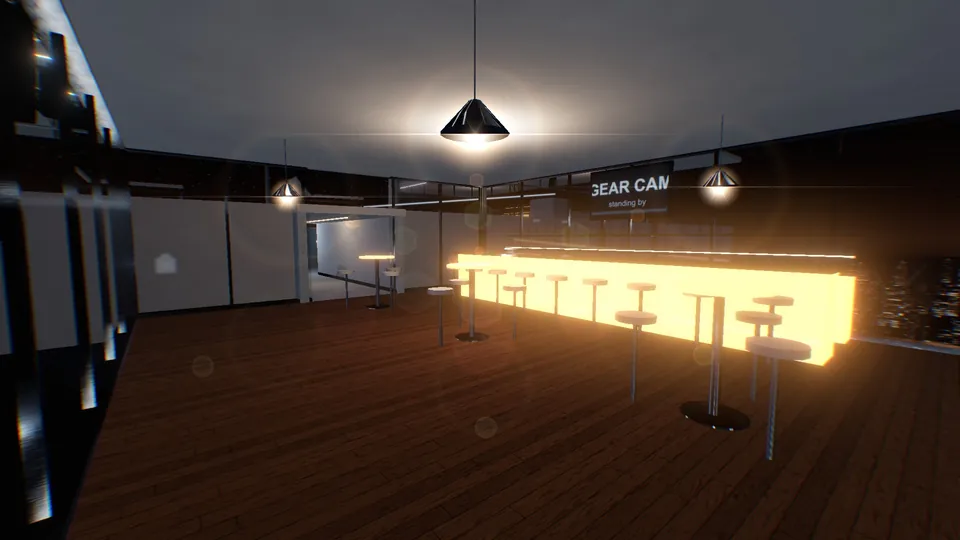
    The bar: a lit back bar, stools at the counter and high tables.
    Bar. A lit back bar, stools at the counter and high tables, with the same close-up above the bottles.
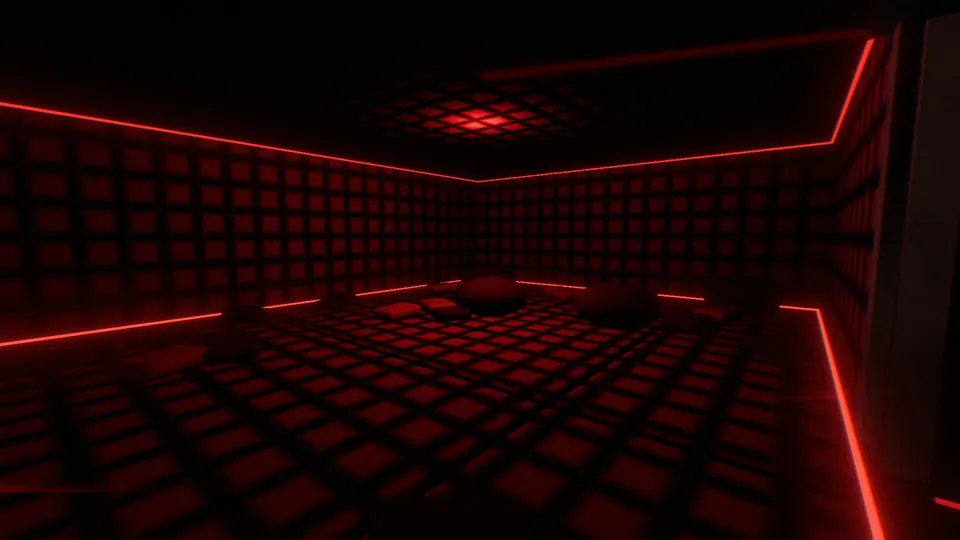
    The padded room: quilted walls and mattresses in low red light.
    Padded room. At the end of a dark velvet passage and behind a curtain: mattresses from wall to wall in low red light.

    The light show follows the music

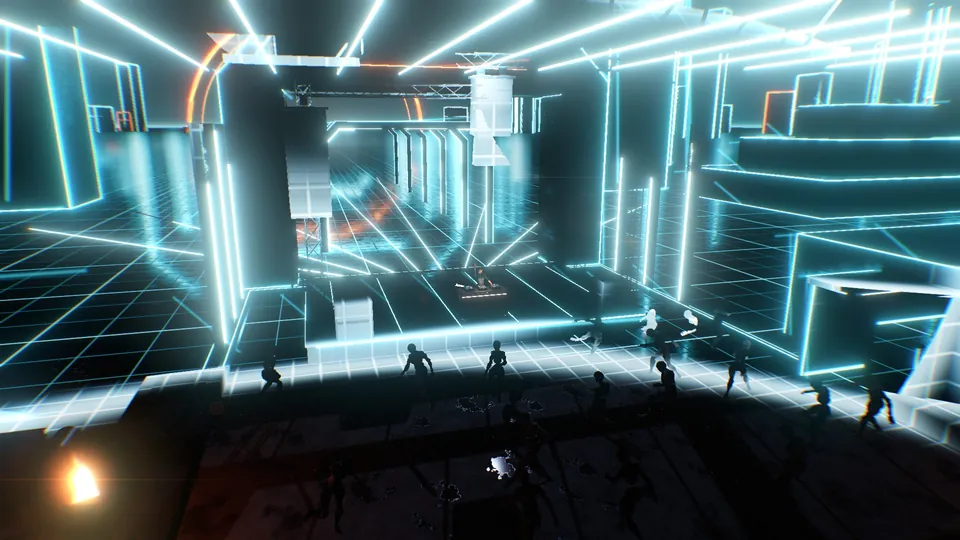
    Neon runs up columns, along walls, across roof grids and down hanging cables in every world. One engine plays all of it on the beat, and every pattern is symmetrical about the artists.

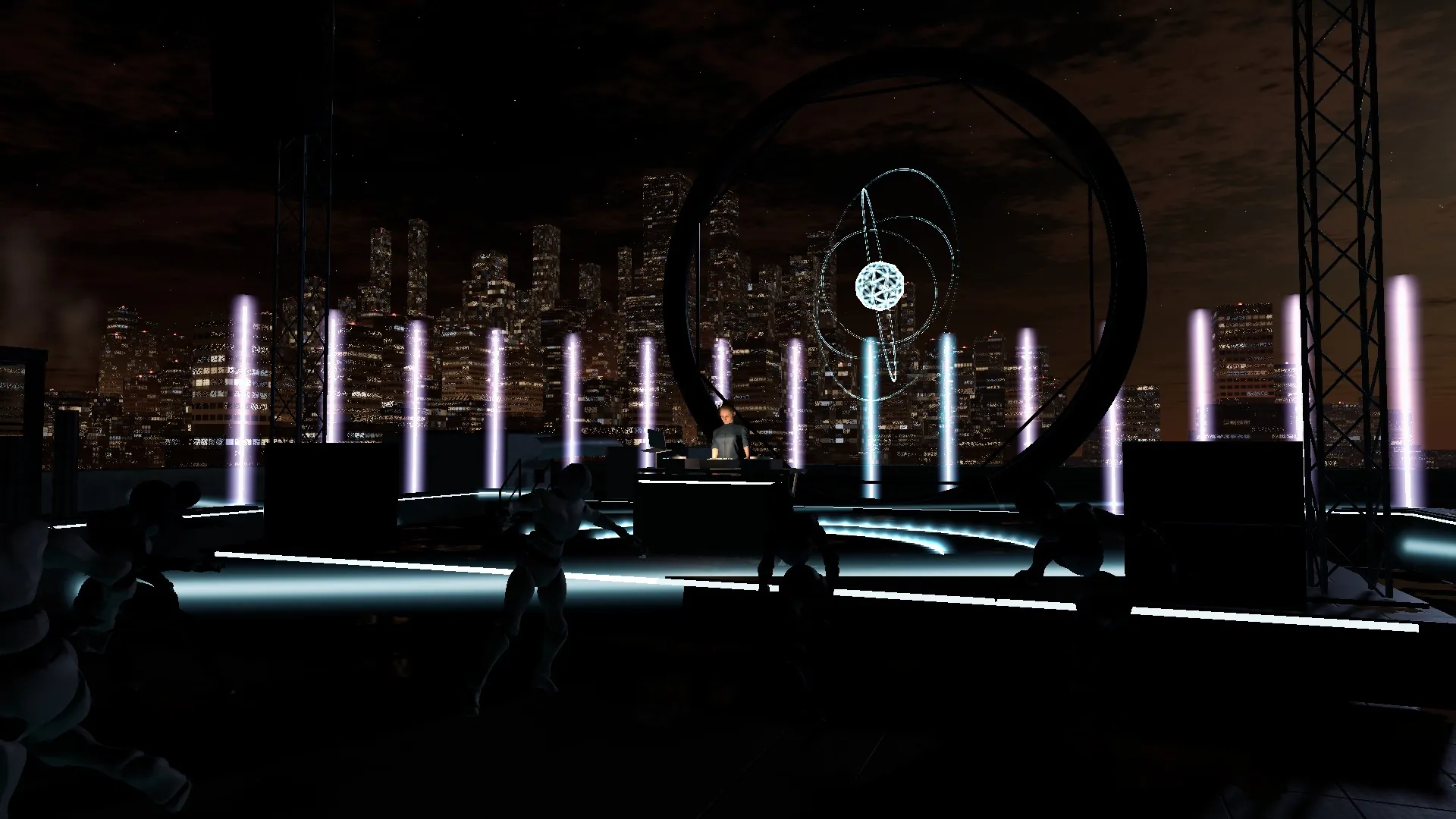
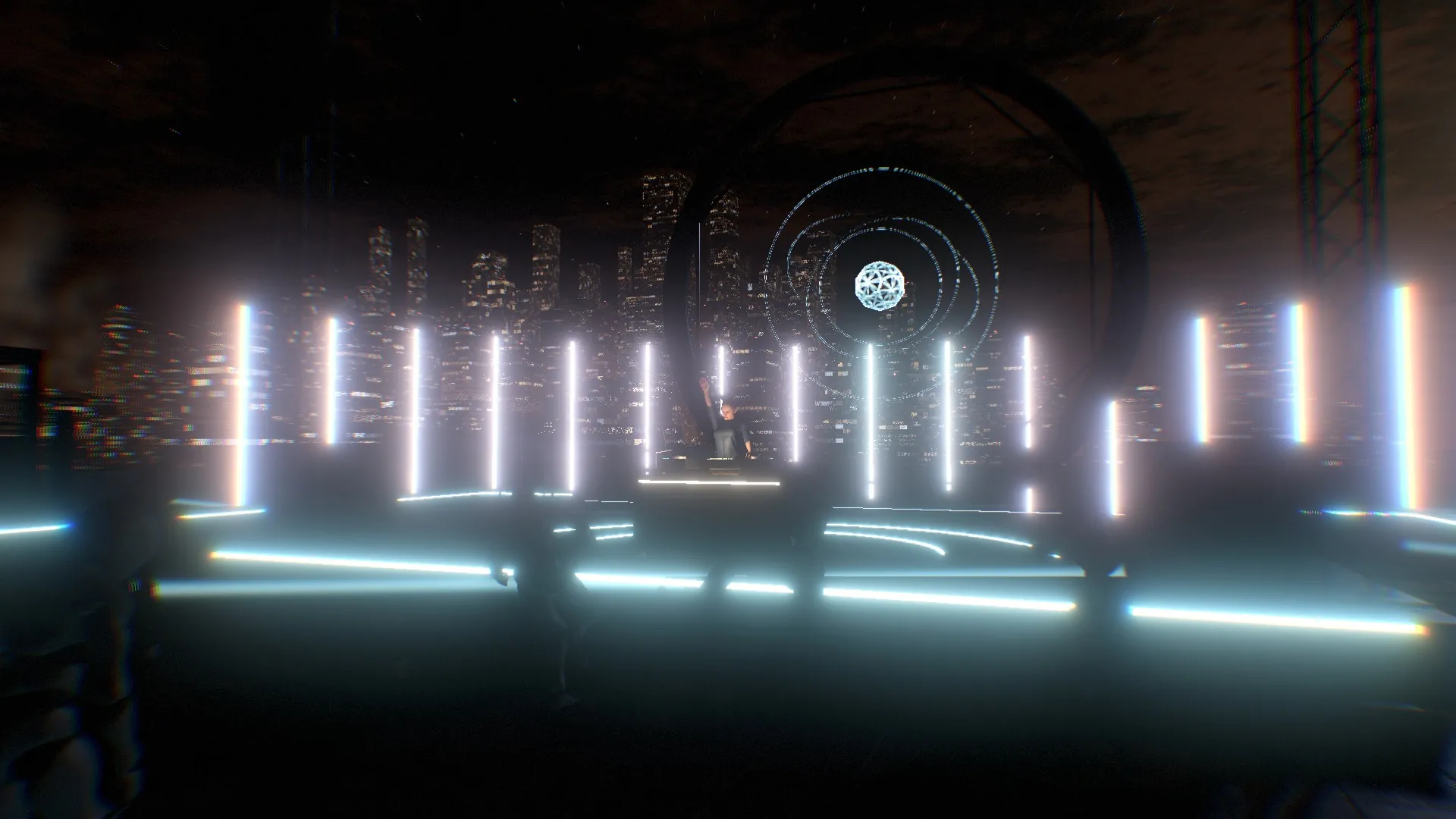
    Recorded from OMNI: the Lab world, cycling through patterns at 124 BPM.

    Sixteen patterns

    Play them by hand, or leave the show on auto: it picks a new pattern every 32 beats, chooses calmer or wilder ones from the energy of the music and hits on the drop. Patterns cross-fade over half a beat.

      Every light in the venue flashing at once.
      Show lights. Eight per world. They chase out from the artists and back, pulse and strobe, and blackout, flash and panic are each one key away.
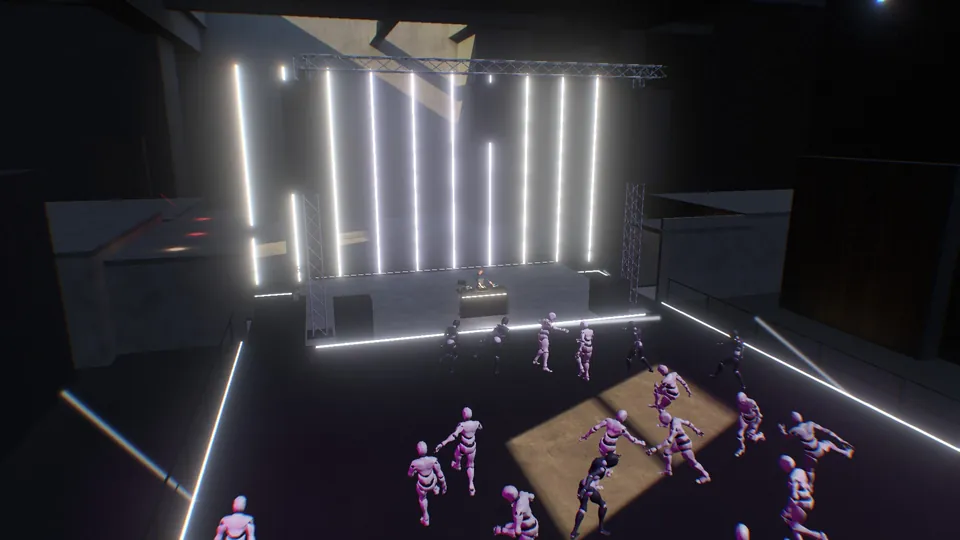
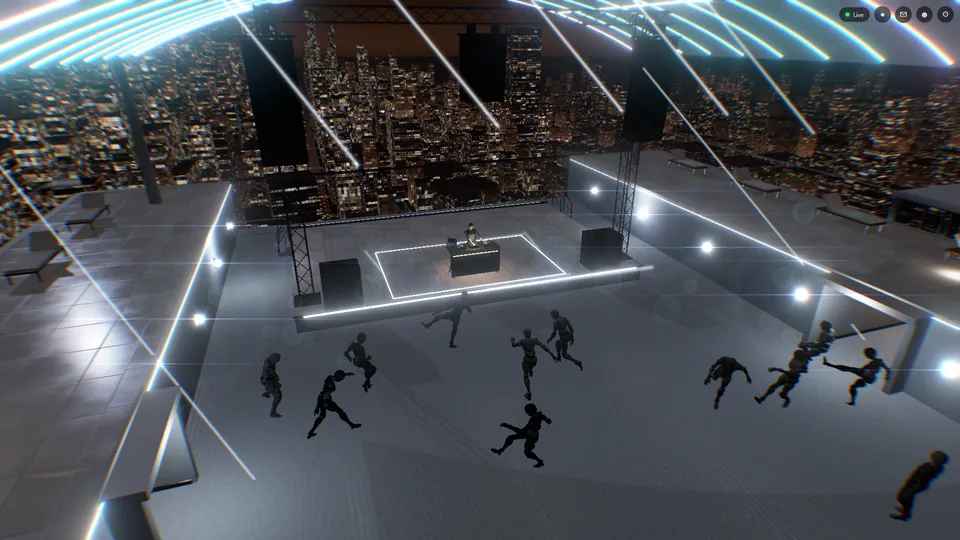
      A crowd of dancers in front of the stage.
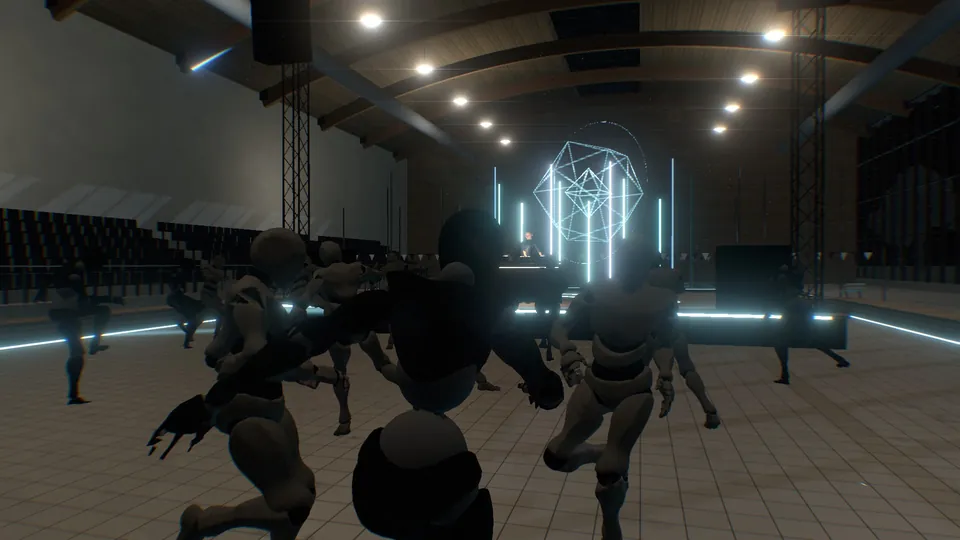
      The crowd. Dancers who stand, groove or go flat out depending on how loud the music is, each with their own reaction time. For every real guest who arrives, one of them steps aside.
      A stand-in DJ playing at a booth on the stage.
      Stand-in DJ. Before the artists go live, a stand-in plays at a booth on the beat, so the room is never empty. The booth clears as soon as a capture arrives.
      The factory world growing outward while the grid world is still visible.
      Changing worlds. Caught halfway from Grid to Derelict factory. Nobody is moved or reloaded, and the change takes a little over three seconds.

      From night to day during the set

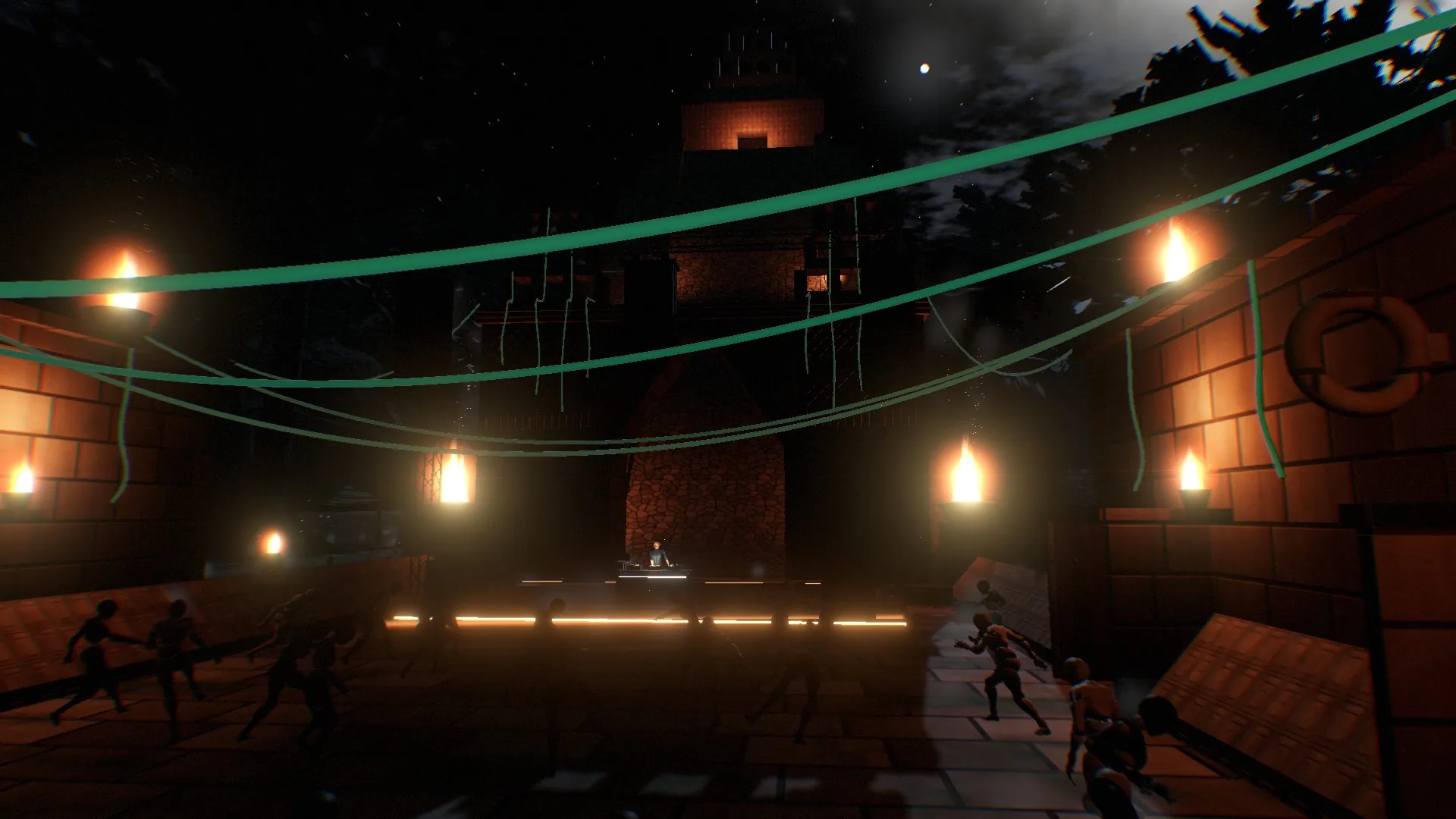
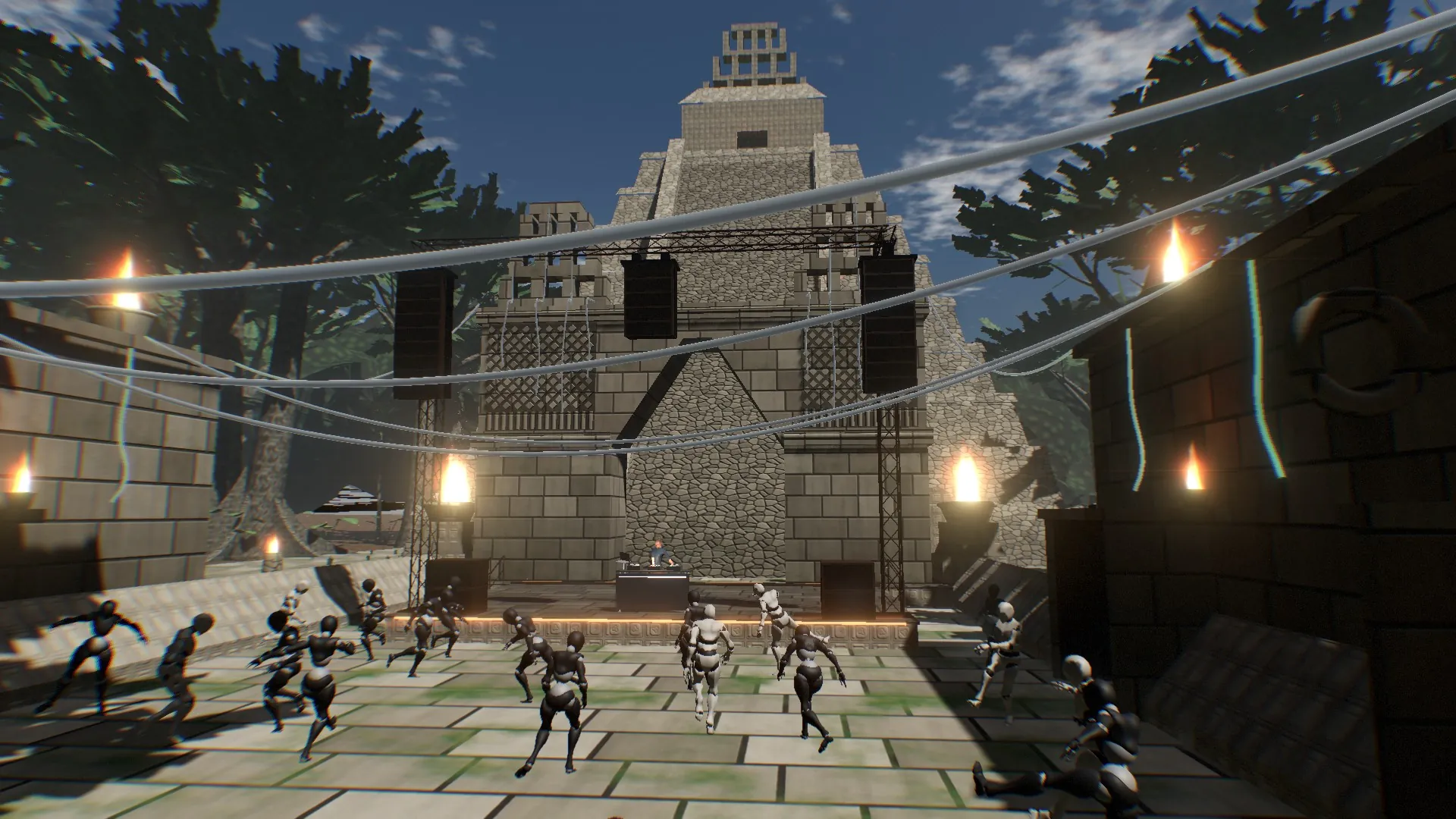
      The operator can bring the sun up over any world, as slowly as the music needs. Sky, reflections, fog and lamps change together, for every guest at the same moment.

      The Mayan temple at night.
      The same temple by day.
      Night Day

      A camera lens on the picture

      Everything that gives off light glows. Flares come from the brightest sources and disappear behind anyone who walks in front of them, and colour fringes appear towards the edges of the frame. The operator sets all three live and guests see the same result. In VR and AR the lens is switched off.

      The stage with no lens effects.
      The same view with glow and flares.
      Without With lens

      One desk runs the whole show

      The Controller puts every world, light, camera move and effect on one screen. It works with the mouse, the keyboard or any MIDI controller, and can be closed and reopened mid-show without interrupting anything.

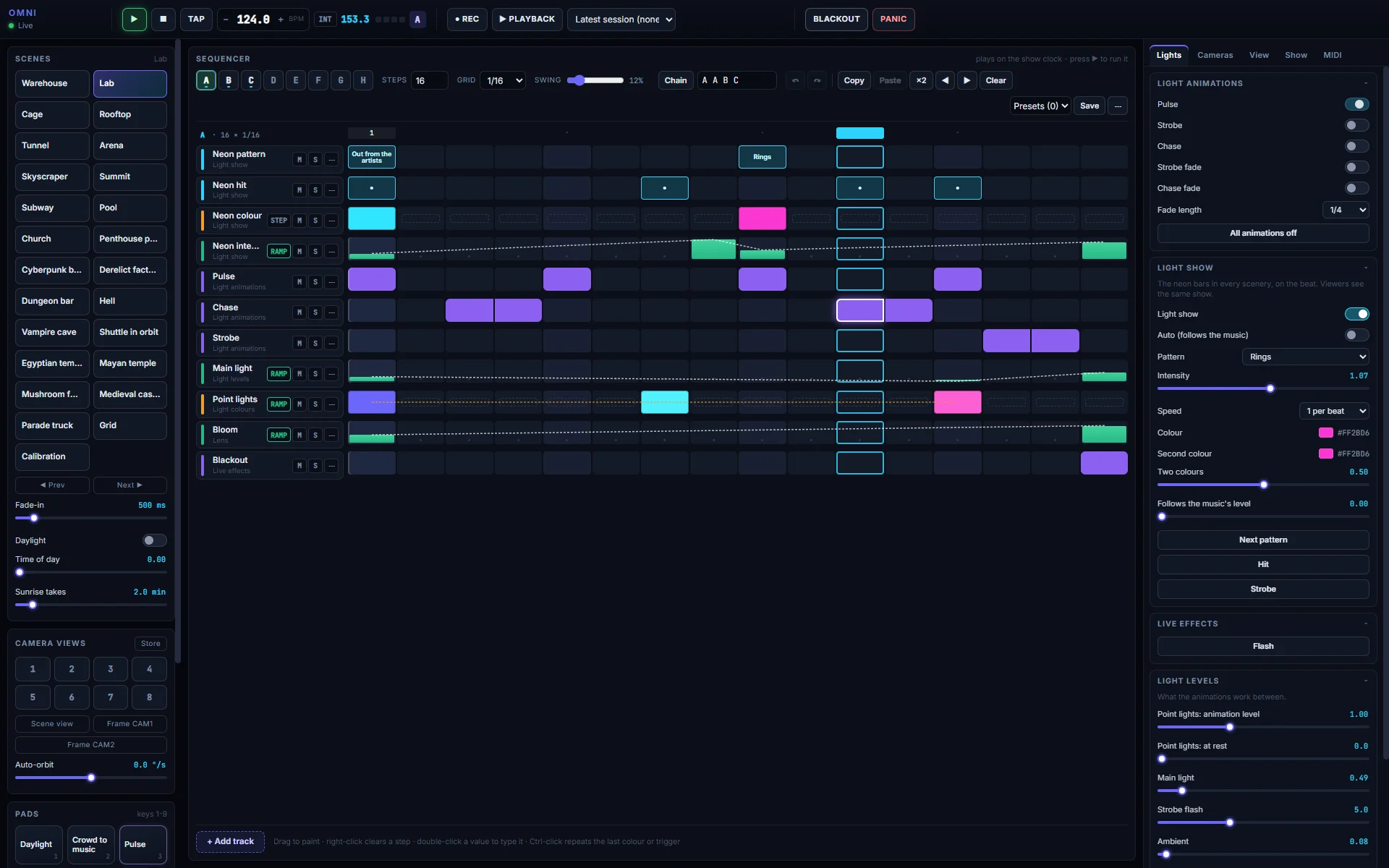
      The OMNI Controller: transport and clock along the top, worlds, stored views and pads on the left, the step sequencer in the centre and the lights on the right.
      The Controller during a show, with a light sequence playing. Open full size
        Sequencer
        Eight patterns of up to 64 steps and 32 tracks, with swing. Lights, colours, intensities and world changes are programmed like a drum machine, chained into a whole song, and changes wait for the end of the loop.
        MIDI learn
        Right-click any control and move a knob or hit a pad to map it. The show can follow an external MIDI clock, so it stays on the artist's tempo.
        Camera moves
        Eight stored views, recalled with one key and a smooth move, plus an automatic orbit. The operator's own picture can go out clean, with every control hidden.
        Record and replay
        Record the cameras and the depth capture of a performance and play it back later in any world, for rehearsals or a repeat.

        Guests walk in as themselves

        No app and no account. A guest opens a link, picks a character and is standing in the crowd a few seconds later.

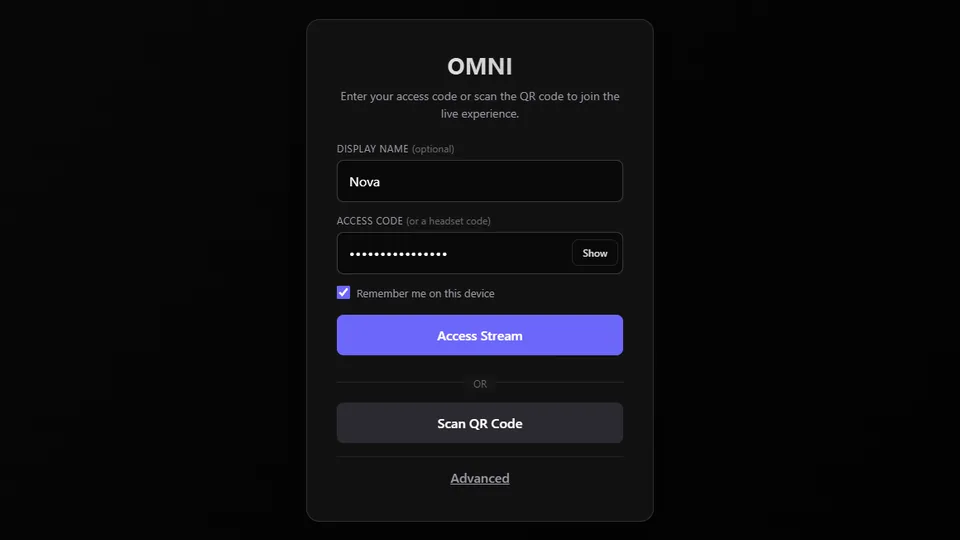
        The join screen: a display name, an access code and a button to scan a QR code.
        Joining. A link, a QR code or a short access code, in any current browser on a computer or a phone.
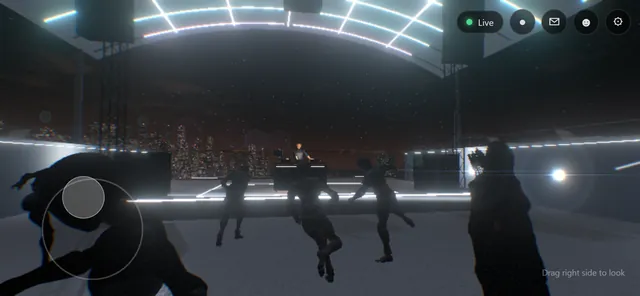
        A guest flying above the crowd, looking down at the stage. The same show on a phone, with an on-screen stick to walk.
        Moving. Walk, run, jump or fly, with keyboard and mouse, a gamepad or a touch stick on a phone. In orbit there is no gravity and guests float.
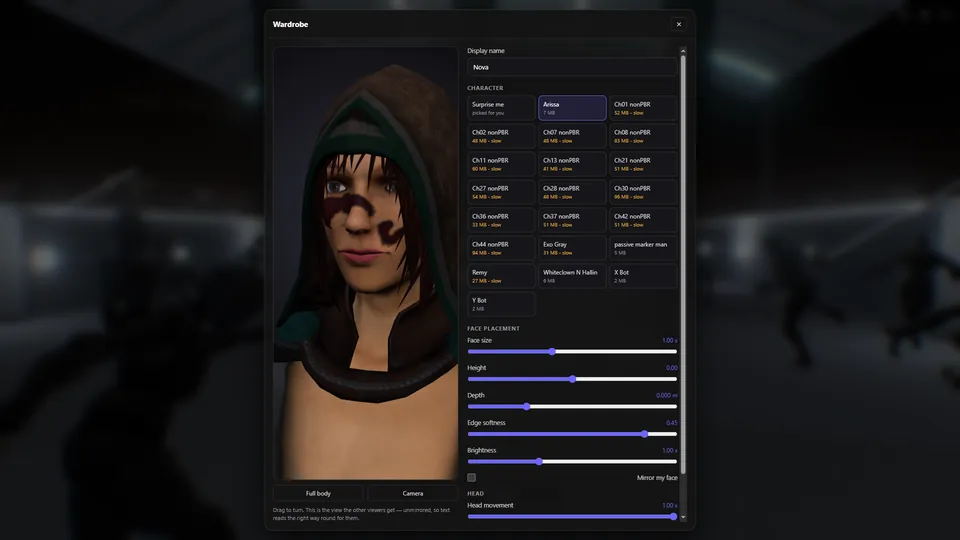
        The wardrobe: a live 3D preview of a character and a grid of characters to choose from.
        Your own face. Choose a character in the wardrobe. With the camera on, your real face appears on it for everyone else and turns when your head turns.
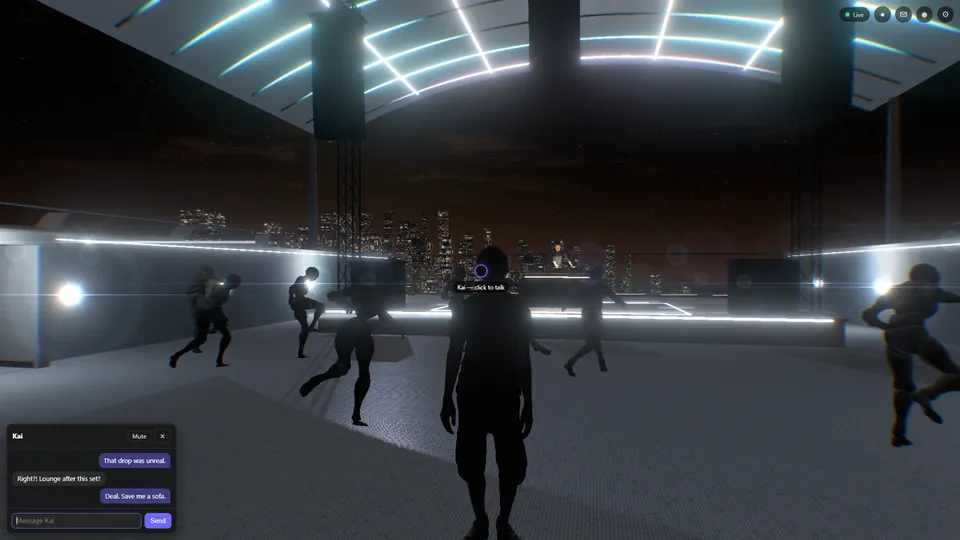
        Two guests in a private conversation, the chat panel open beside the crosshair.
        Private conversations. Aim at someone and click, or tap them on a phone. Messages go to that one person, are never broadcast and are never stored.

        Broadcast from one computer, even at home

        OMNI includes its own broadcast system. The show goes from the artist's room to the audience directly, without a streaming platform or a monthly fee.

        Self-hosted
        Runs on the same computer as the show, with no rented servers. A home connection and two forwarded ports are enough.
        Light on bandwidth
        Because guests rebuild the venue themselves, the show travels as a few live feeds and a small packet of show data, instead of a heavy video of the whole room.
        Every device
        Phones and headsets get a lighter version automatically and computers get full detail. Presets adjust the stream for weak connections in one click.
        Private
        Each show has its own access code. Repeated wrong guesses are blocked, and conversations are never kept.
        Self-recovering
        If a guest's connection drops, OMNI reconnects them with a countdown on screen, and they keep their place in the room.
        Monitoring
        A dashboard starts and stops each part of the show, and the operator can see how every guest is connected.

        Bring your show to OMNI

        OMNI is made by Trixyz for artists, promoters and venues.

        trixyz.com